TUTORIAL
Viewing and managing readers (Reader Hub) V6
Discover the Reader Hub to view, segment and manage your readers.

About the Reader Hub
The Reader Hub gathers your media's readers: people who have signed up, subscribed to a newsletter or logged in to the site. These records are created automatically when a reader subscribes; this section lets you view and manage them.
Accessing readers
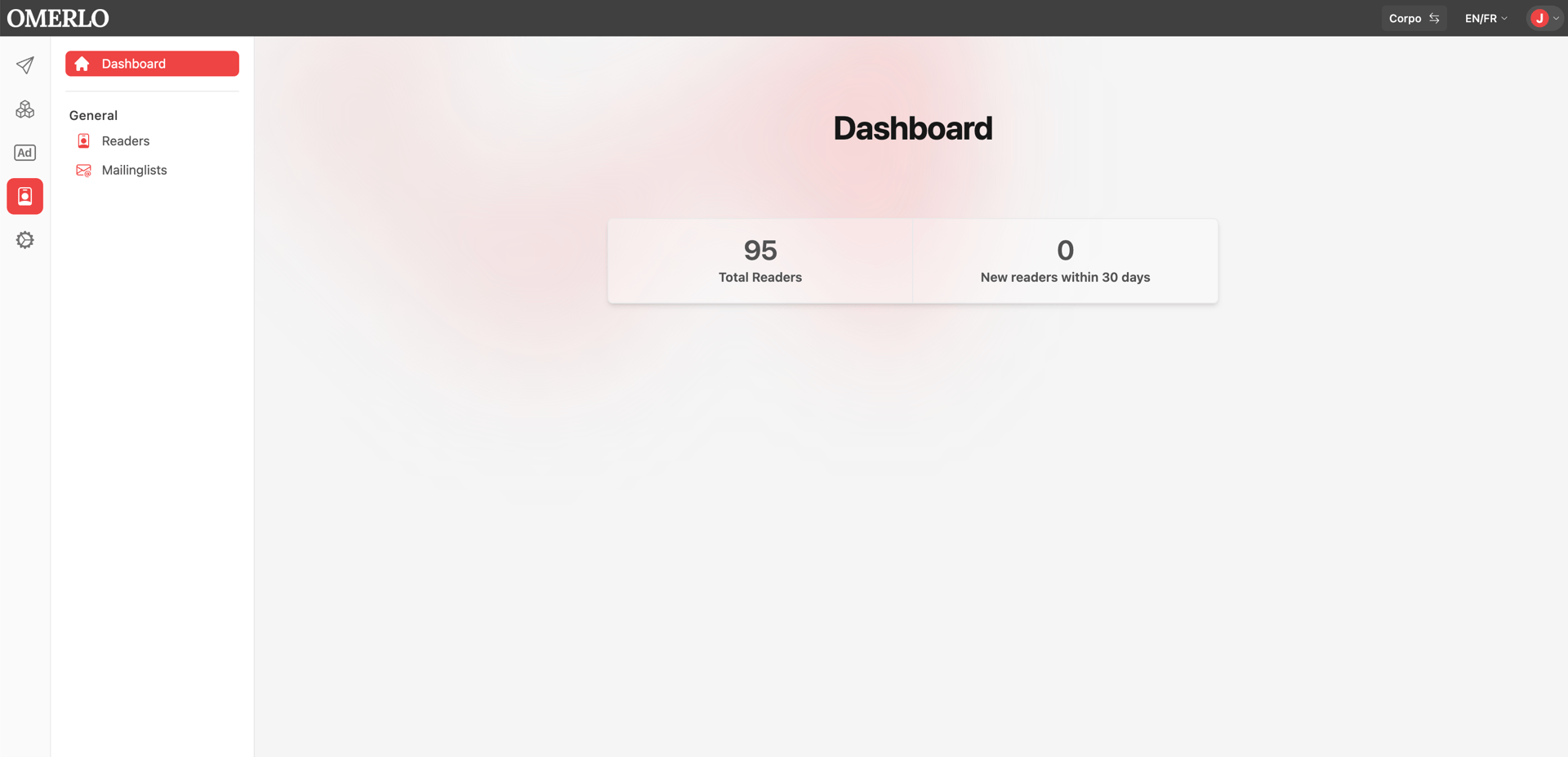
Click the Reader Hub icon (contact card) in the left sidebar. The Dashboard shows the total number of readers and the number of new readers in the last 30 days. In the Général (General) menu, choose Readers to display the list.
Searching for a reader
The list shows each reader with their name, email and creation and update dates. Use the search field at the top to find a reader by name or email.
Viewing and editing a record
Click a reader to open their record, which has two tabs. The Lecteur (Reader) tab lets you edit the Name and Email, and link the record to a Person profile using the Set profile button.
Managing subscriptions
Still in the Lecteur tab, the Abonnements aux listes de diffusion (Mailing list subscriptions) section shows the lists the reader is subscribed to. Use the Trouver une liste de diffusion par nom (Find a mailing list by name) field to add them to a list, or the X button to unsubscribe them.
Managing entitlements
The Autorisations (Authorizations) tab shows the reader's access entitlements. Click Nouveau (New) to grant a new authorization, for example access to restricted content.