TUTORIAL

Push notifications: Topics and Notifications V6 (Mobile apps only)

Set up Topics and send push notifications to your readers on mobile apps, step by step.

Published and updated on June 29, 20261 min read
Push notifications: Topics and Notifications V6 (Mobile apps only)

About push notifications

Push notifications send alerts straight to the device of readers subscribed to your app. They are managed in the Publisher, under Notifiers, in two parts: Topics (the subscription channels) and Notifications (the messages sent to those channels).

Understanding Topics

A Topic is a themed channel that readers subscribe to in the app. Each notification is sent to a Topic; only readers subscribed to that Topic receive it.

Create a Topic

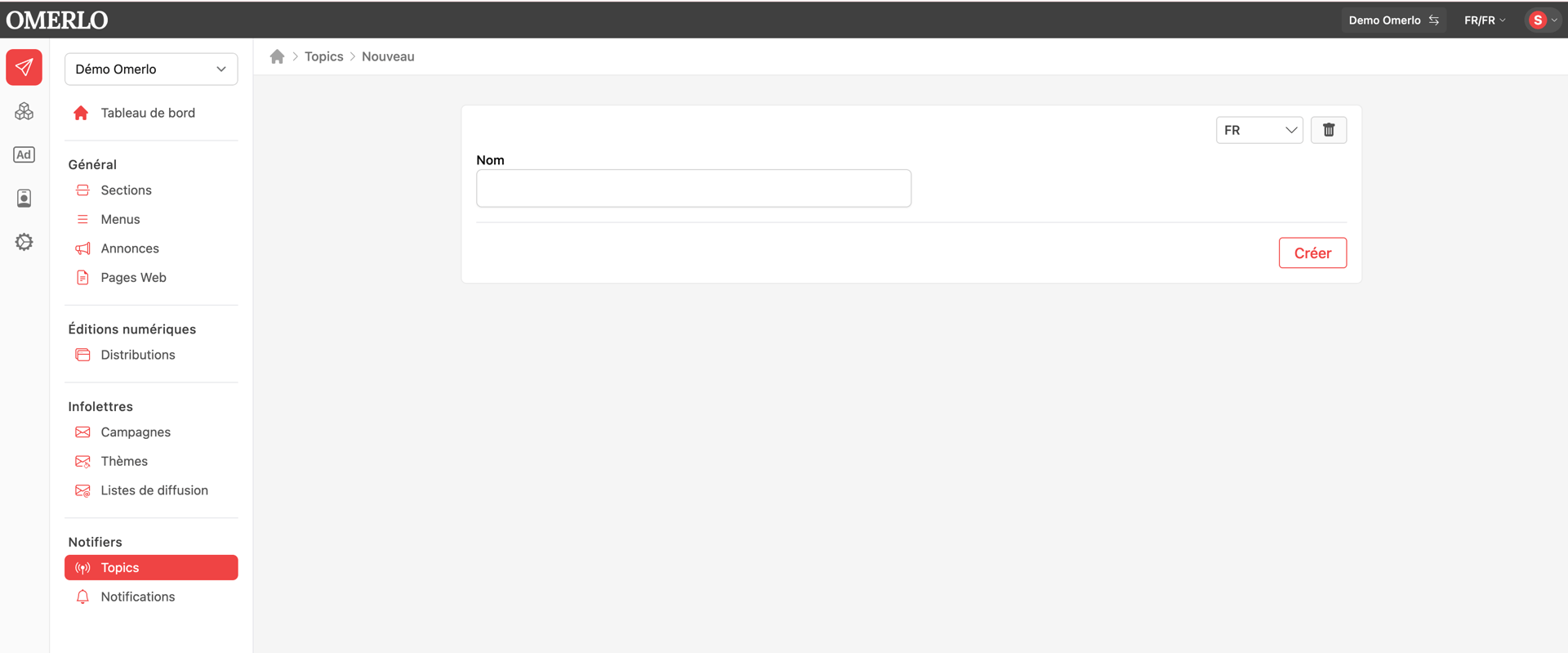
In the Publisher, select your media, then under Notifiers click Topics and New. Choose the language, enter the Topic's Name, then click Create. Repeat for each channel you need.

Create a notification

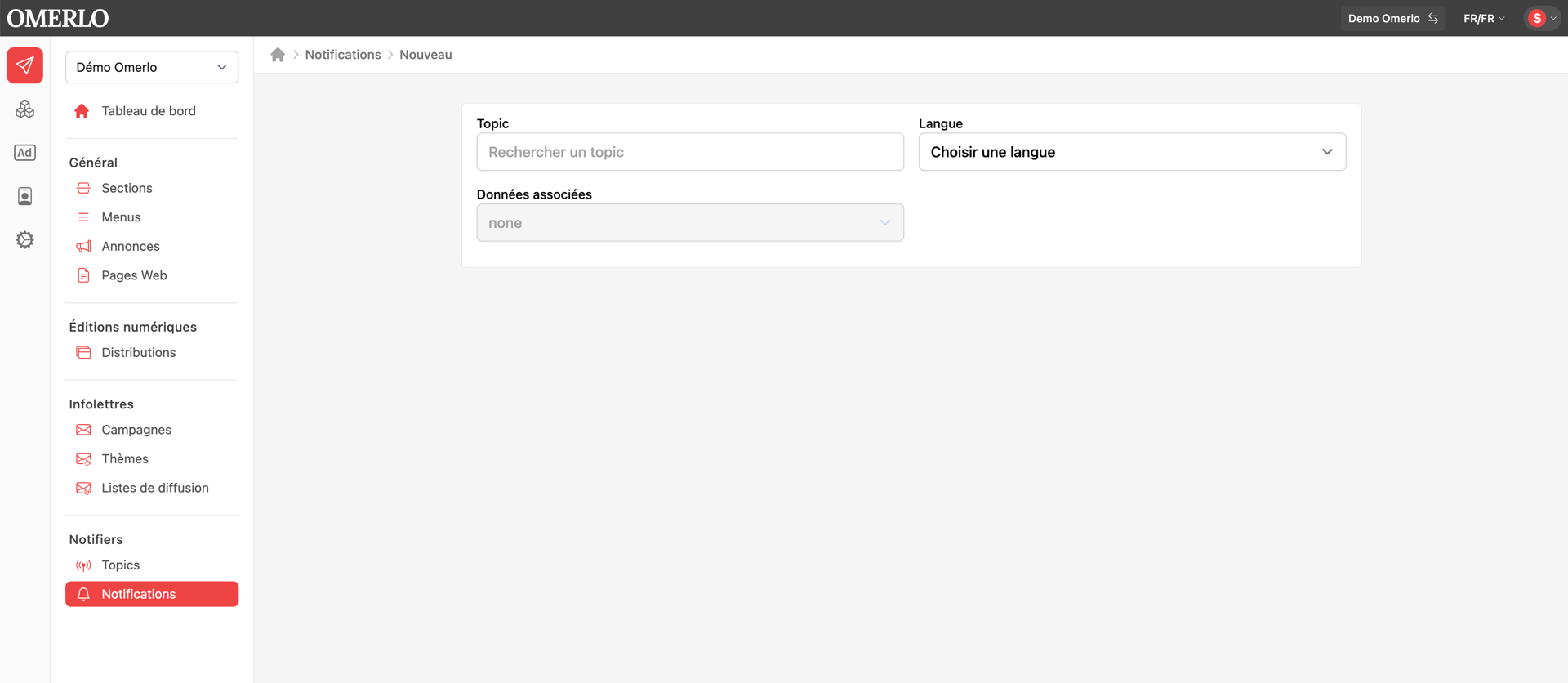
Under Notifiers, click Notifications, then New. Search for and select the destination Topic, then choose the Language of the notification.

Link content

Under Associated data, choose the link type: none, a content item or a profile. By linking an article or a profile, the notification opens that content directly when the reader taps it.

Add an image (optional)

Under Upload a file, select an image from the media library or upload one. This image accompanies the notification on the reader's device.

Send the notification

Check the Topic, language, associated content and image, then create the notification to send it. It is delivered to every reader subscribed to the chosen Topic.
Other articles

France-Canada Chamber of Commerce chooses Omerlo for its new media site

Realiazations

France-Canada Chamber of Commerce chooses Omerlo for its new media site

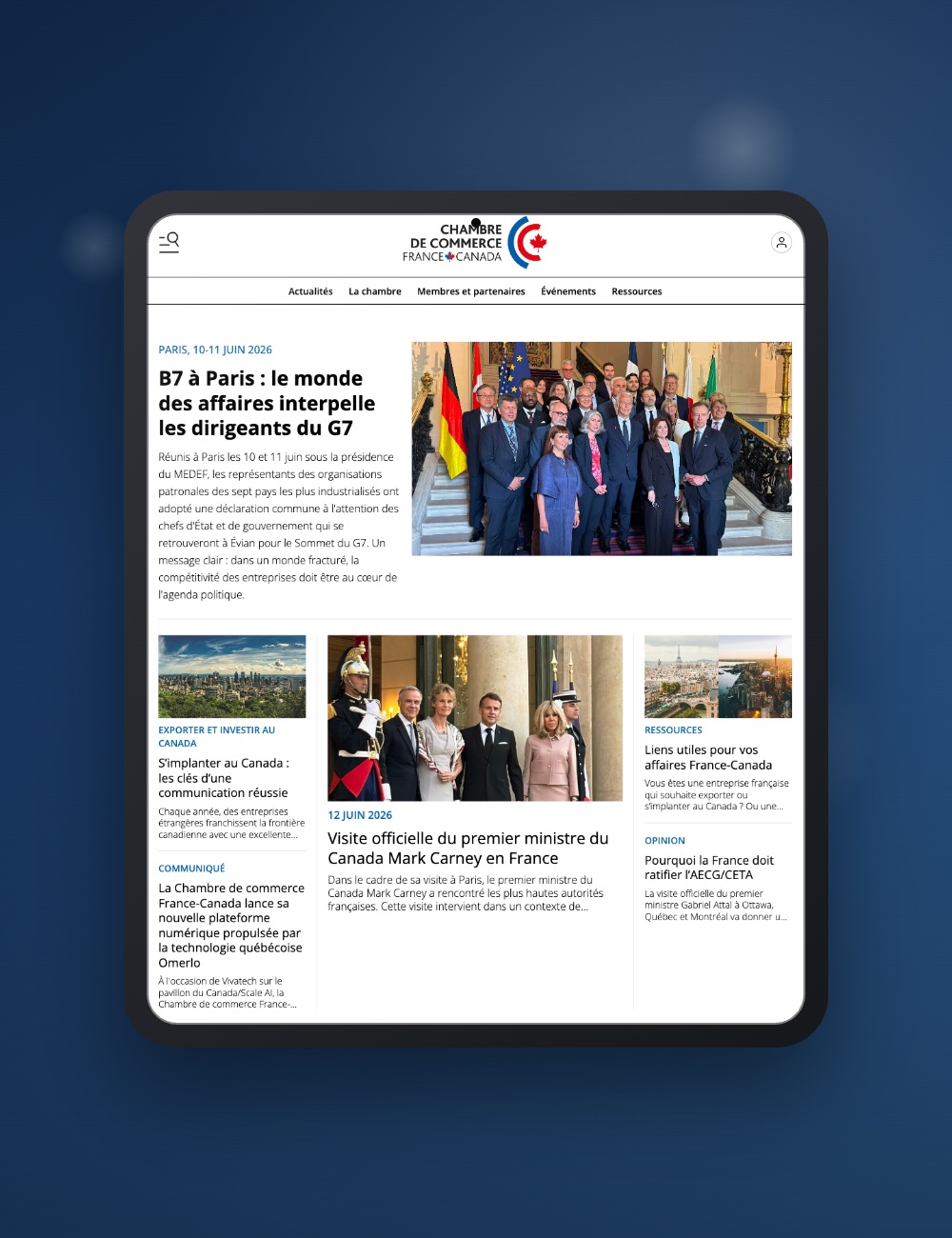
At VivaTech, on the Canada/Scale AI pavilion, the France-Canada Chamber of Commerce unveiled its new digital platform, powered by Omerlo. At the heart of business relations between the two countries since 1956, the CCFC is taking a strategic step: building a living media platform to showcase French-Canadian economic and cultural exchanges all year round.

The Alliance of Francophone Employers' Organizations Launches Its Mobile App

Realizations

The Alliance of Francophone Employers' Organizations Launches Its Mobile App

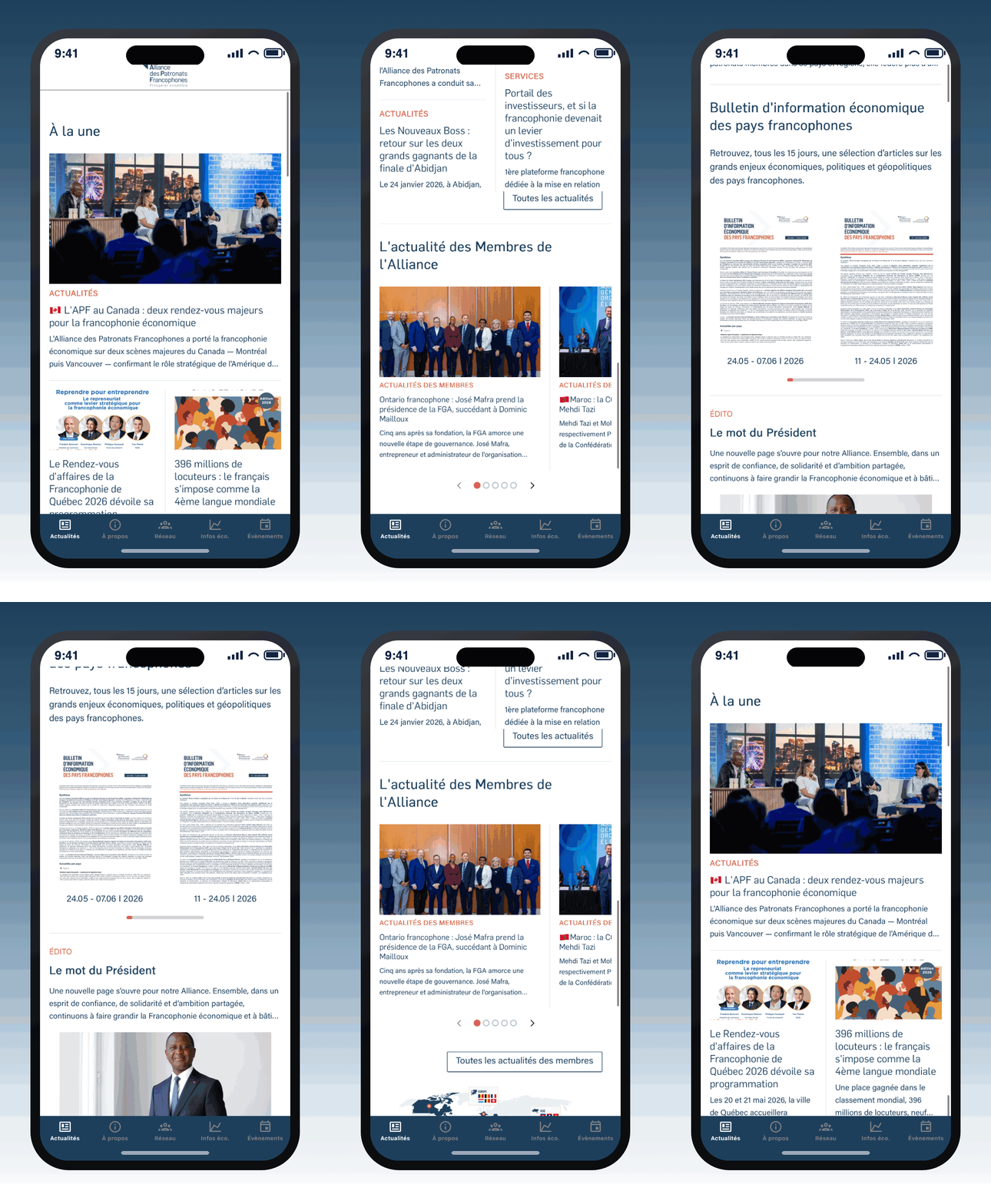
The Alliance of Francophone Employers' Organizations, the leading economic network in the Francophone world, now has a mobile application powered by Omerlo. Available on iOS and Android, it brings together in a single space the member directory, economic news, the bimonthly Economic Bulletin, and the network's international agenda — to connect and inform the Francophone business community on a daily basis.

Creating menus on your media V6

TUTORIAL

Creating menus on your media V6

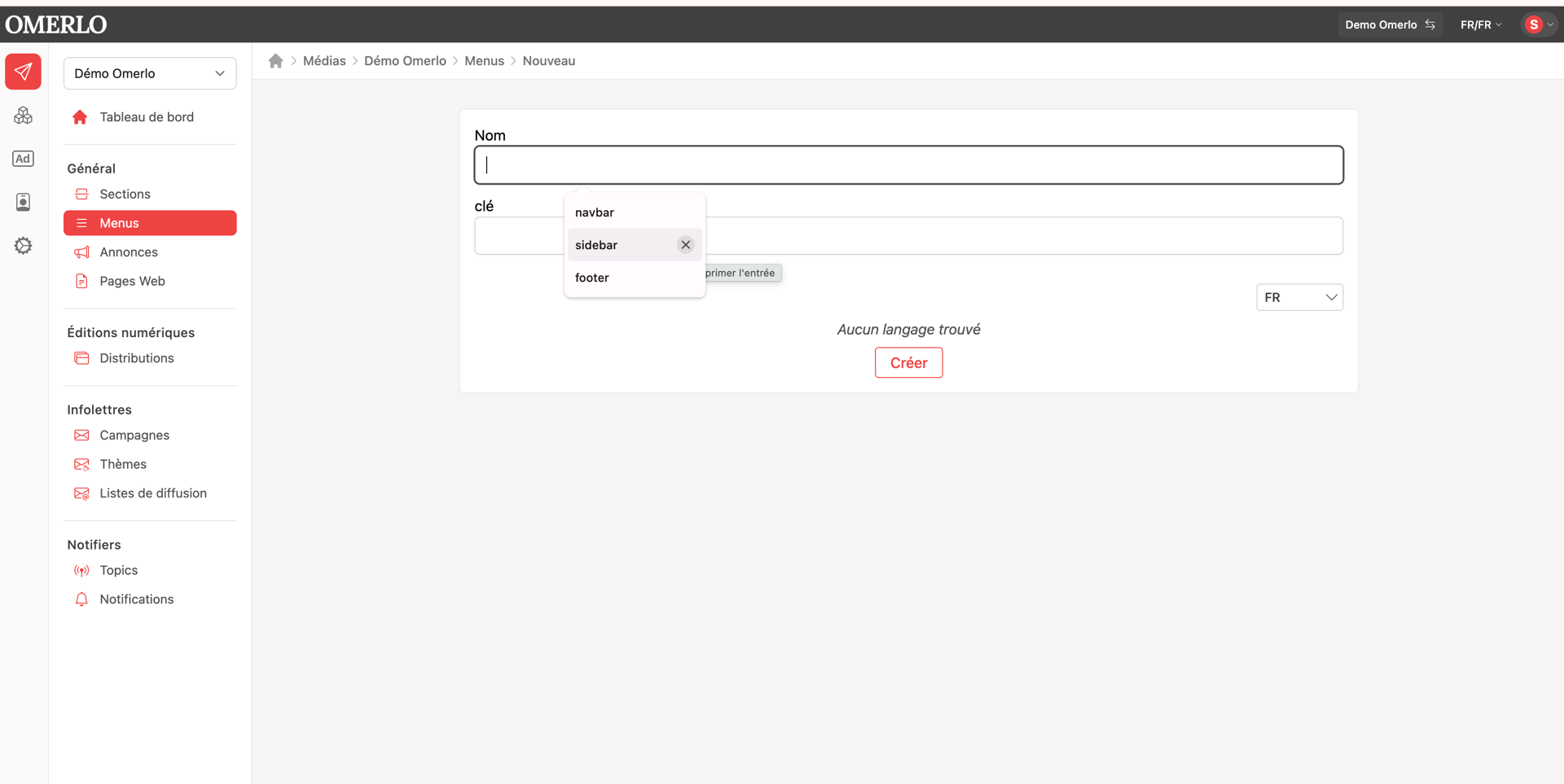
Create and organize your media's navigation menus to guide your readers.

Creating profile types V6

TUTORIAL

Creating profile types V6

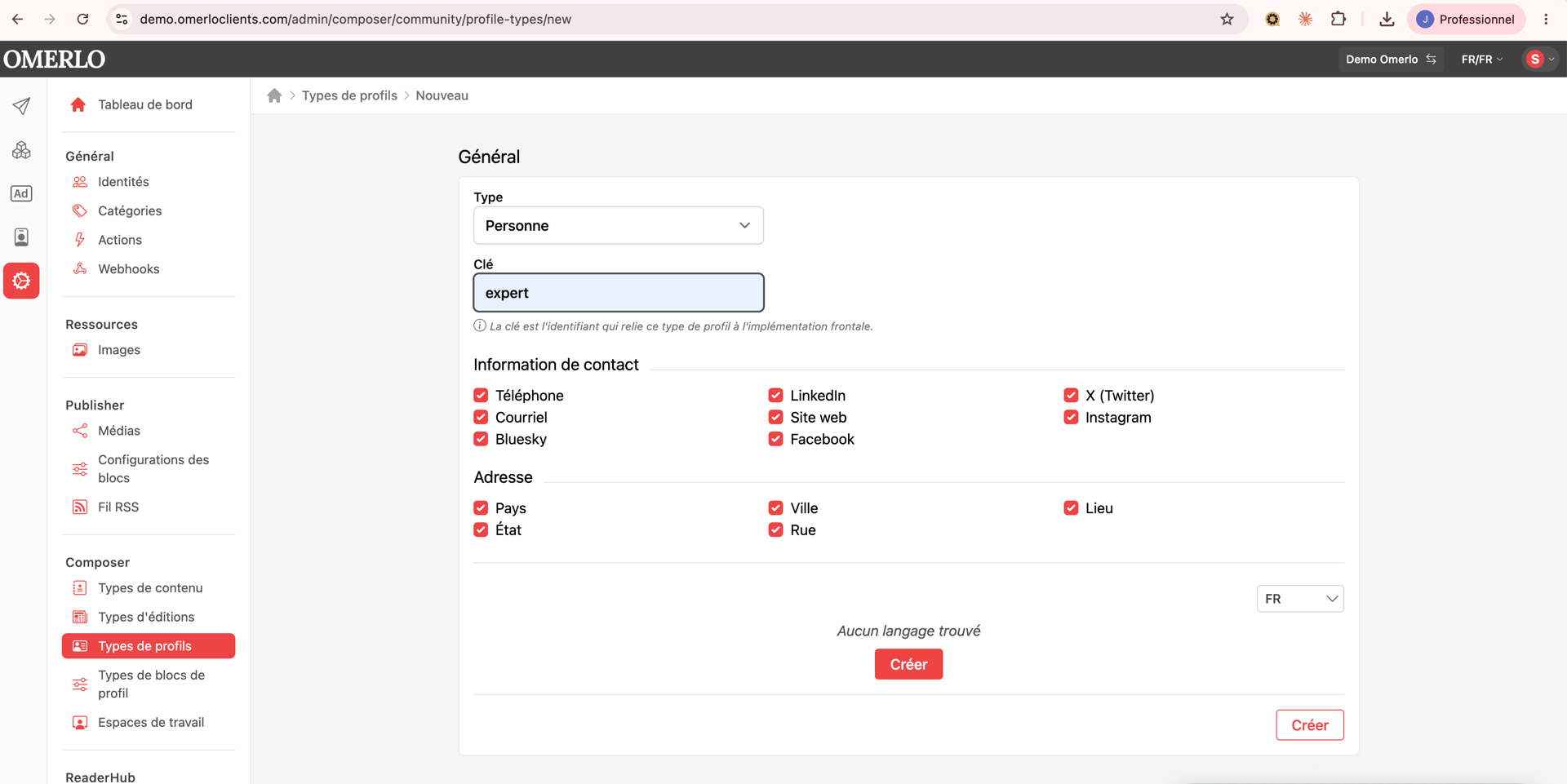
Profile types are used to create the cross-linking between the different profiles on your media. You can associate different content depending on the profile types you create.

Editing an article's completion statuses V6

TUTORIAL

Editing an article's completion statuses V6

Learn how to track and change an article's completion status in Omerlo V6. The status shows where an article stands in your editorial workflow, from draft to completed, independently of whether it is published.