TUTORIAL
Content categories V6
Create and manage content categories to better organize and find your articles.

About content categories
Content categories are used to classify your content (articles, folders, profiles, etc.) by theme so that it is easier to organize and find. They are managed in the Admin section of the CMS and are distinct from advertising categories, which are found in the AdOps module.
Accessing categories
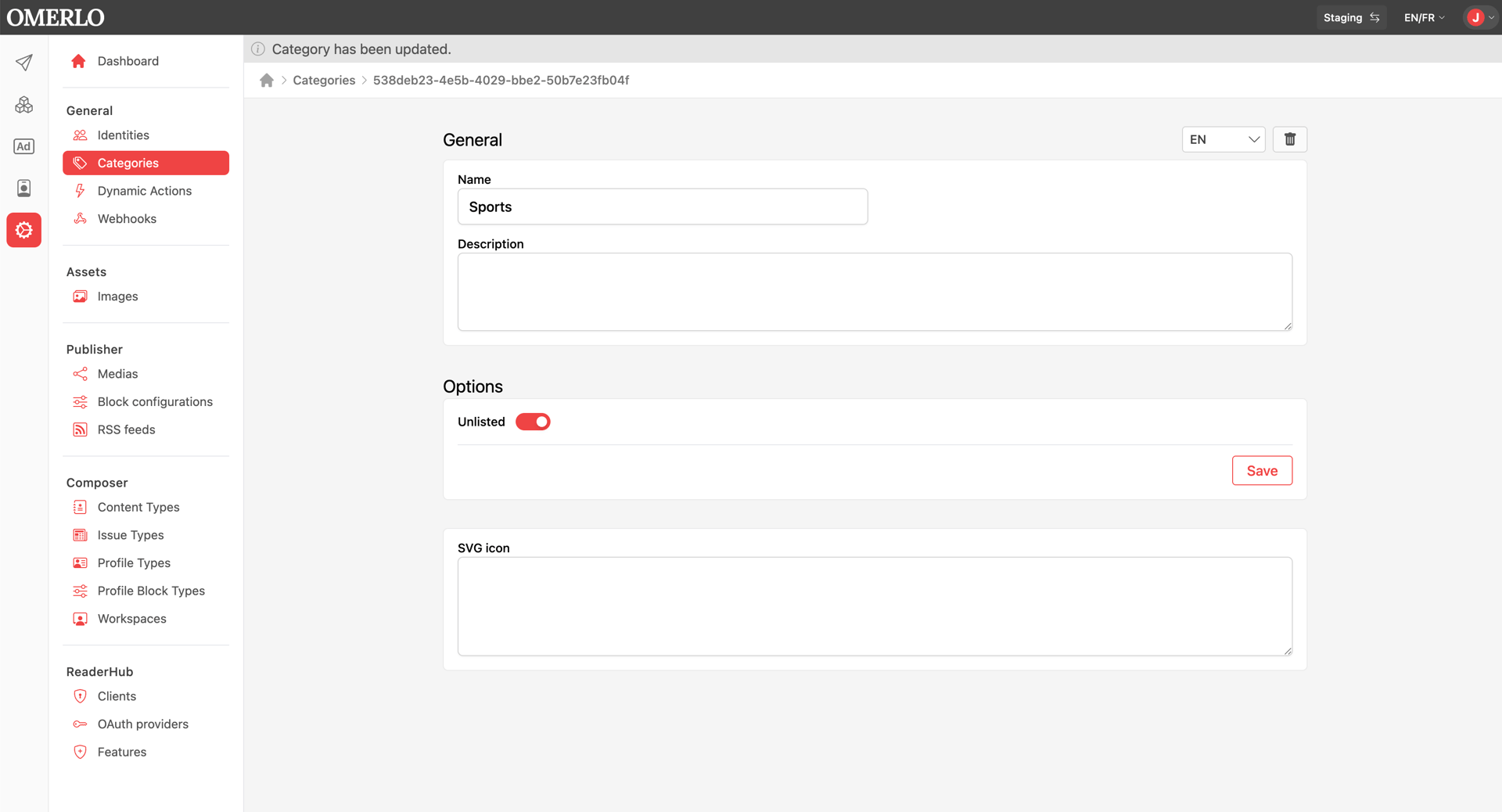
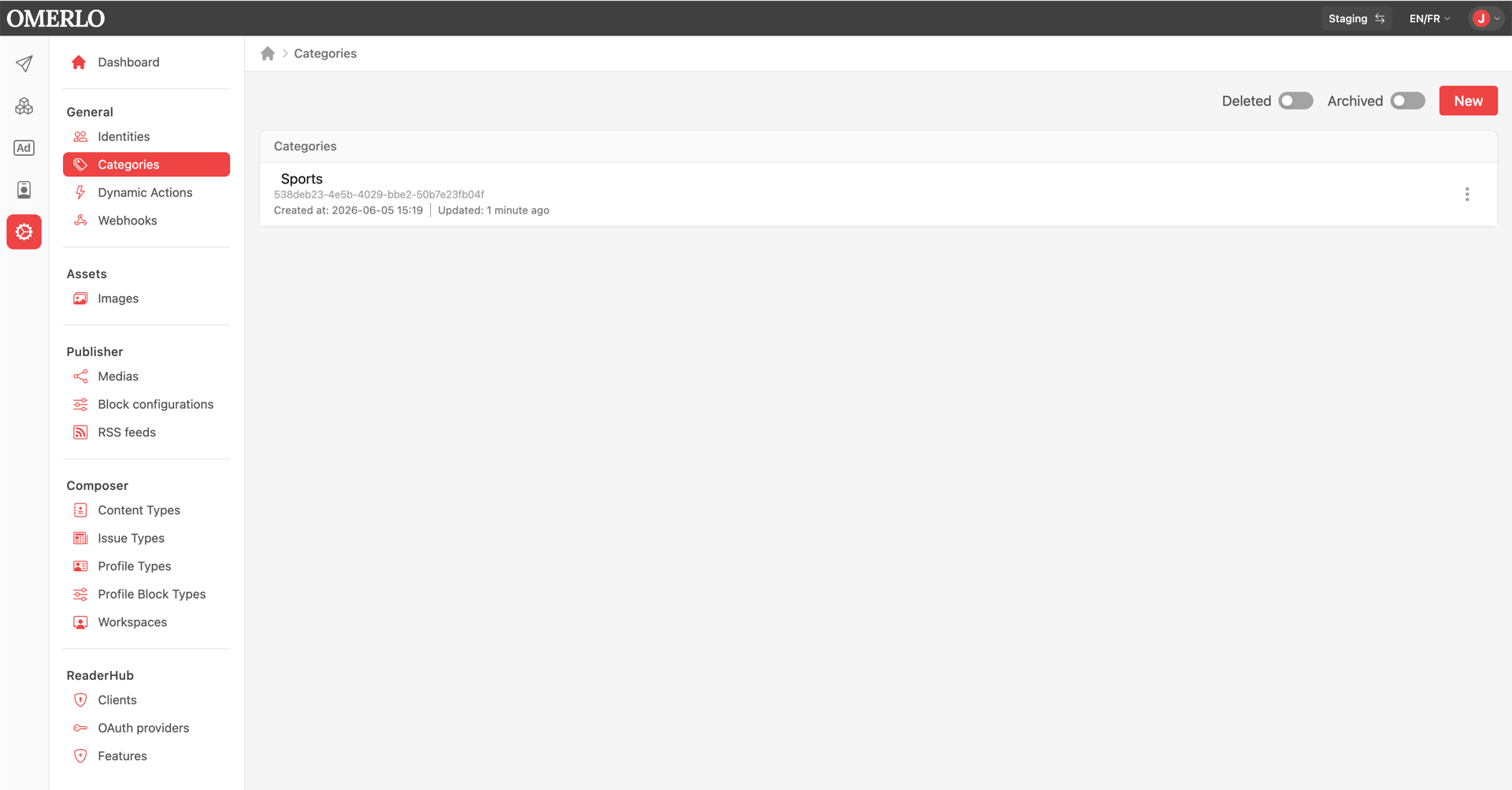
Click the Admin icon (gear) in the left sidebar, then open the Général (General) section and choose Catégories (Categories). The list of existing categories is displayed.
Creating a category
Click the Nouveau (New) button. First select the language of the category, then fill in the Name and Description. Click Créer (Create) to save.
Translating a category
Once the category is created, use the language selector (top right) to switch to the other language, then click Créer (Create) to add the translated version of the name and description.
Managing categories
From the list, the actions menu (⋮) on each category lets you edit, archive or delete it. Archived or deleted categories no longer appear in the choices offered when classifying content.
Hiding a category on your media
If you check "Unlisted" under options, the category will not be displayed on your media. The category will appear on your article or profile but will not be visible under the search bar.