TUTORIAL
Creating a distribution V6
Set up a distribution to automatically deliver your content to the right recipients.

What is a distribution
A distribution groups the magazines you publish on a media. It is in a distribution that you choose which magazines to display and where your PDF magazines become accessible on your site. Distributions are managed in the Publisher, under Digital editions.
Create a distribution
Open the Publisher (paper-plane icon) and select your media from the dropdown at the top left. In the left menu, under Digital editions, click Distributions, then New. New in V6: the media is no longer chosen from a dropdown in the form — it matches the media selected in the Publisher.
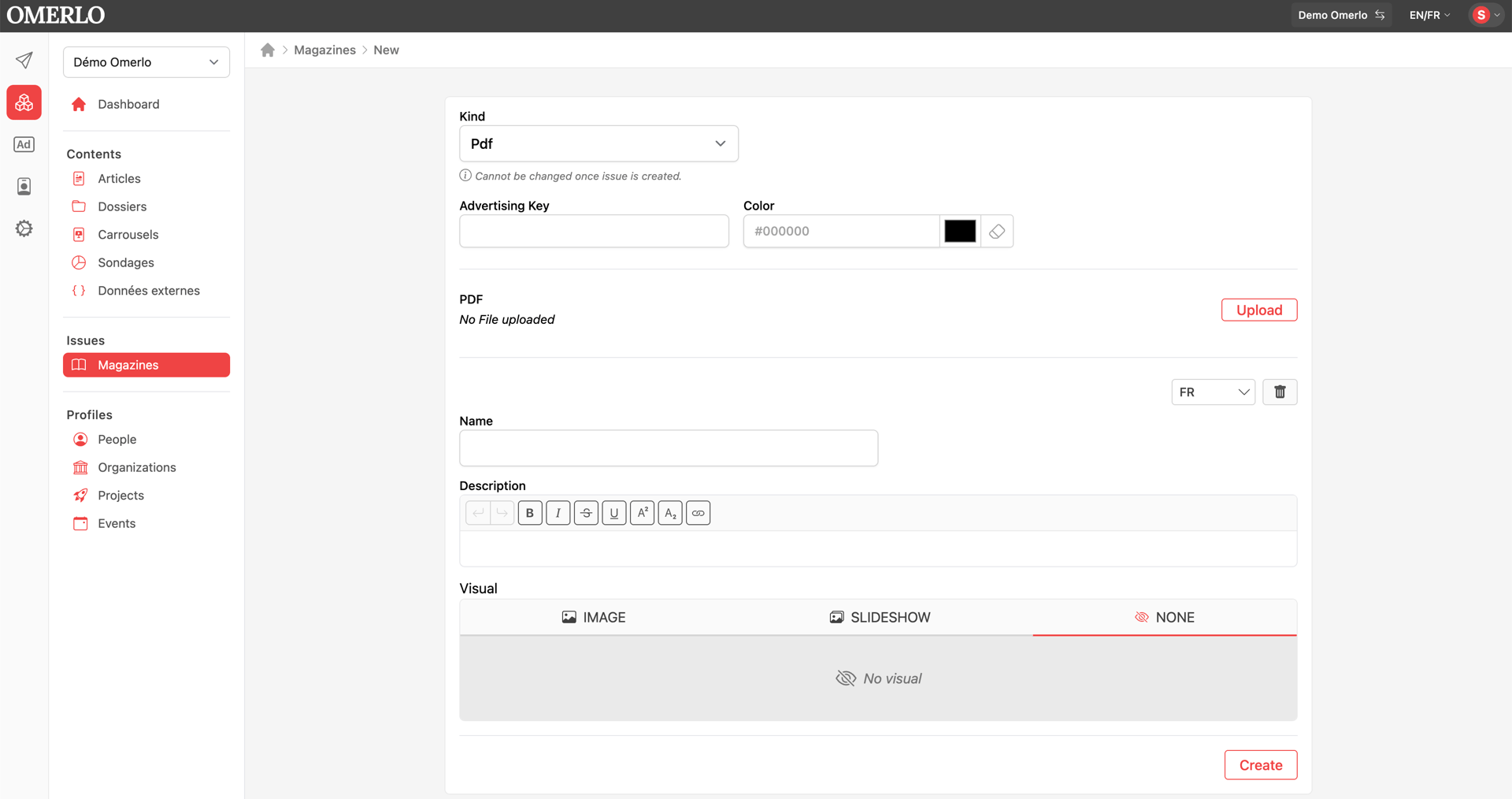
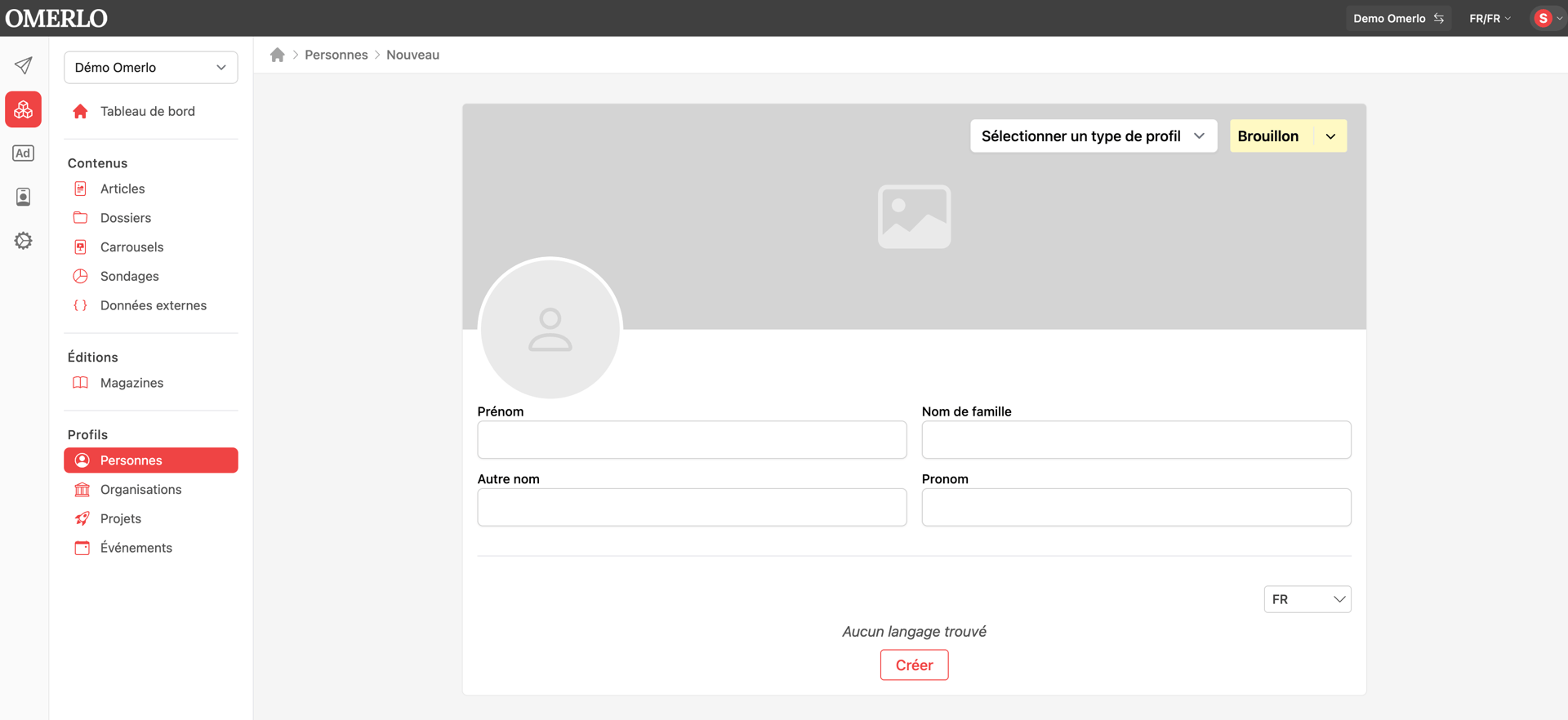
For each language, enter the distribution Name and, if you wish, add a Visual. Then click Create.
Add magazines to the distribution
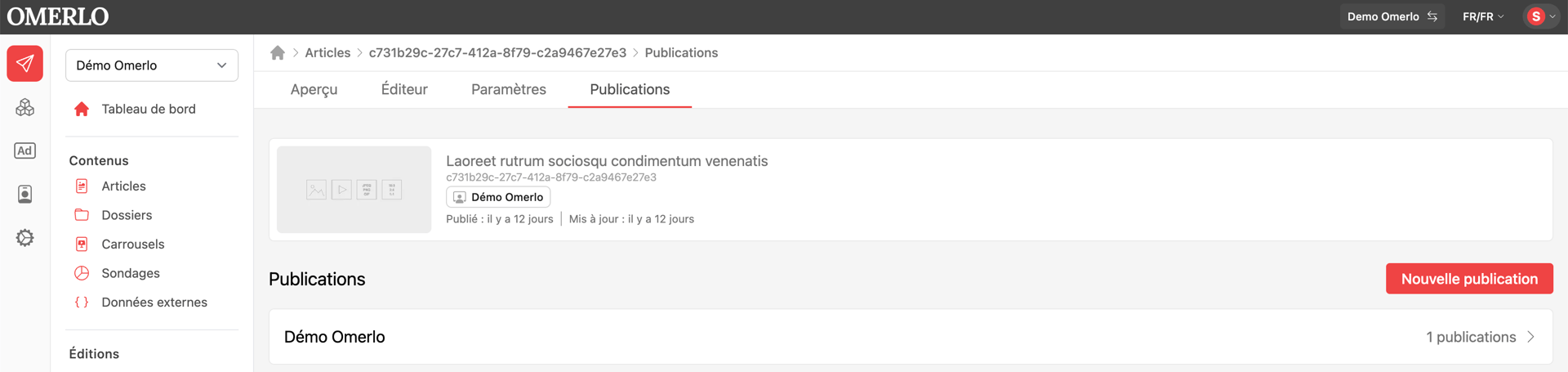
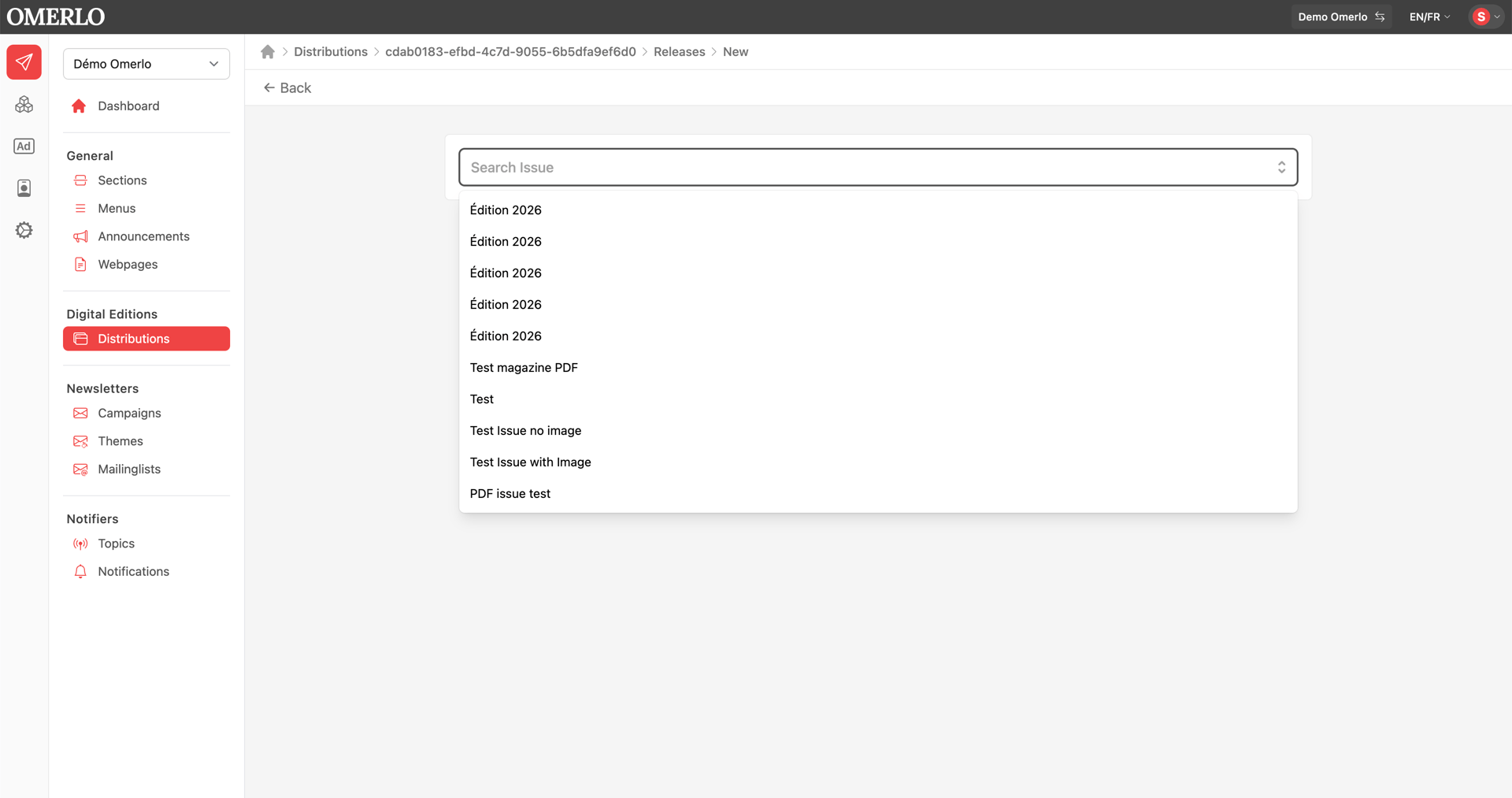
Once the distribution is created, open it and go to the Publication tab. This is where you manage the magazines shown in the distribution. Click the New button, choose the magazine to add, then click Create.
Manage the publication dates
For each magazine added, the ⋮ menu lets you edit or remove its run. Editing lets you set the start and end dates for the magazine's run in the distribution. Removing it takes the magazine out of this distribution, without deleting the magazine itself.